
Selecting an ergonomic office chair requires evaluating your body measurements against specific adjustment features to ensure neutral posture and long-term comfort. A quality investment typically ranges from $300 to $1,200, depending on the material quality, warranty duration, and mechanical complexity of the adjustment controls. Prioritizing these features prevents musculoskeletal strain and improves productivity during extended periods of seated computer work.
Key Takeaways
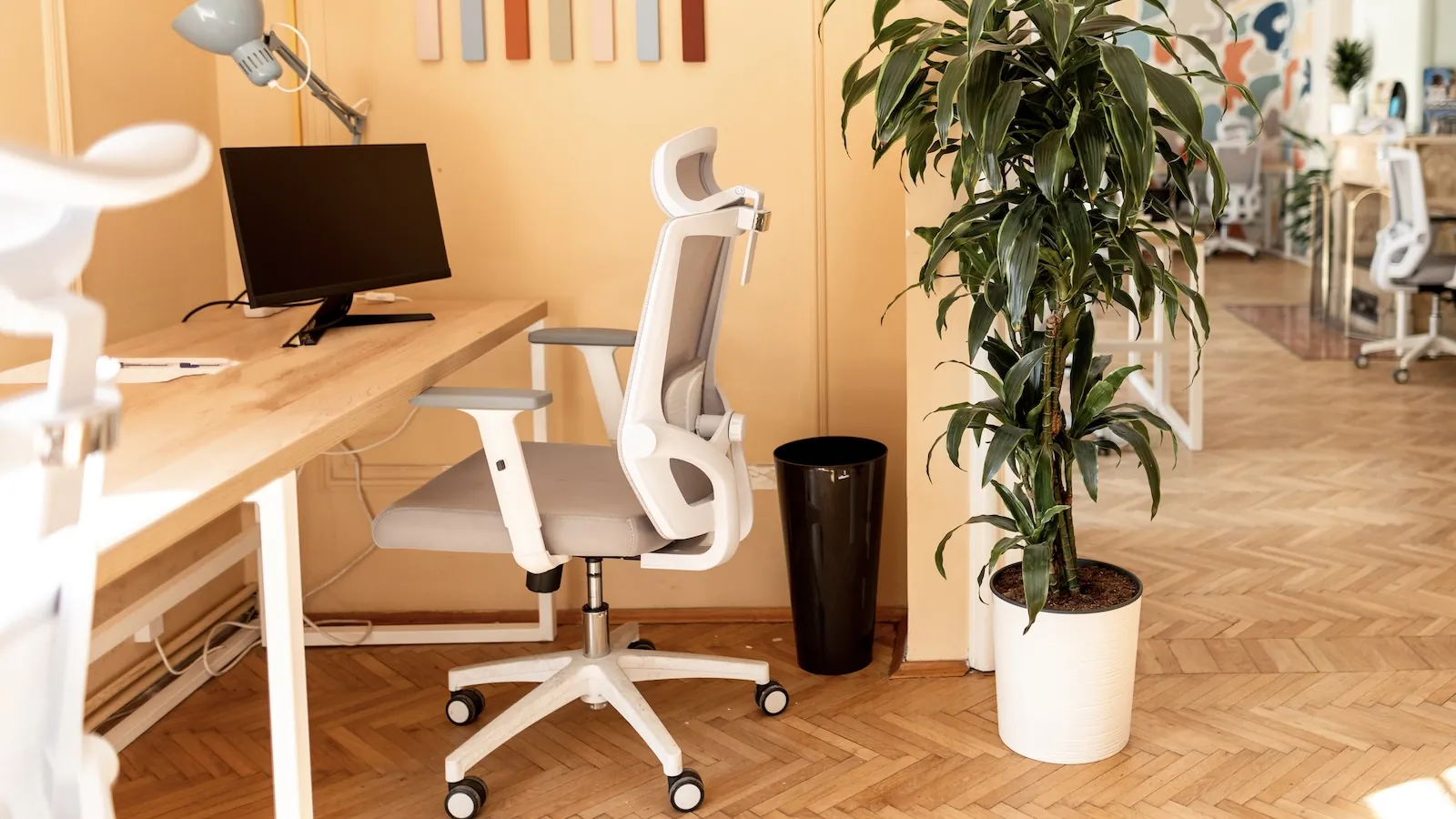
- Prioritize chairs with adjustable lumbar support to maintain the natural curve of your spine.
- Ensure the seat depth allows for two to three inches of space between the edge and your knees.
- Check that armrests adjust in height and width to prevent shoulder tension while typing.
- Look for a five-point base with casters to ensure stability and mobility on your flooring.
- Verify the manufacturer offers a warranty of at least five to twelve years for parts.
How to Pick an Ergonomic Office Chair
Choosing the right seat involves more than just aesthetics; it requires a systematic evaluation of how the furniture interacts with your physiology. Most ergonomic standards, such as those defined by the Occupational Safety and Health Administration, recommend that your feet rest flat on the floor with your thighs parallel to the ground. If you’re shorter, you may need a footrest to maintain this essential alignment.
Essential Adjustment Features
| Feature | Function | Goal |
|---|---|---|
| Seat Height | Pneumatic lever | Feet flat, thighs horizontal |
| Lumbar Support | Depth/Height change | Spinal curve maintenance |
| Backrest Tilt | Tension control | Dynamic movement support |
| Armrest Width | Horizontal slide | Relaxed shoulder posture |
Why is Lumbar Support Critical?
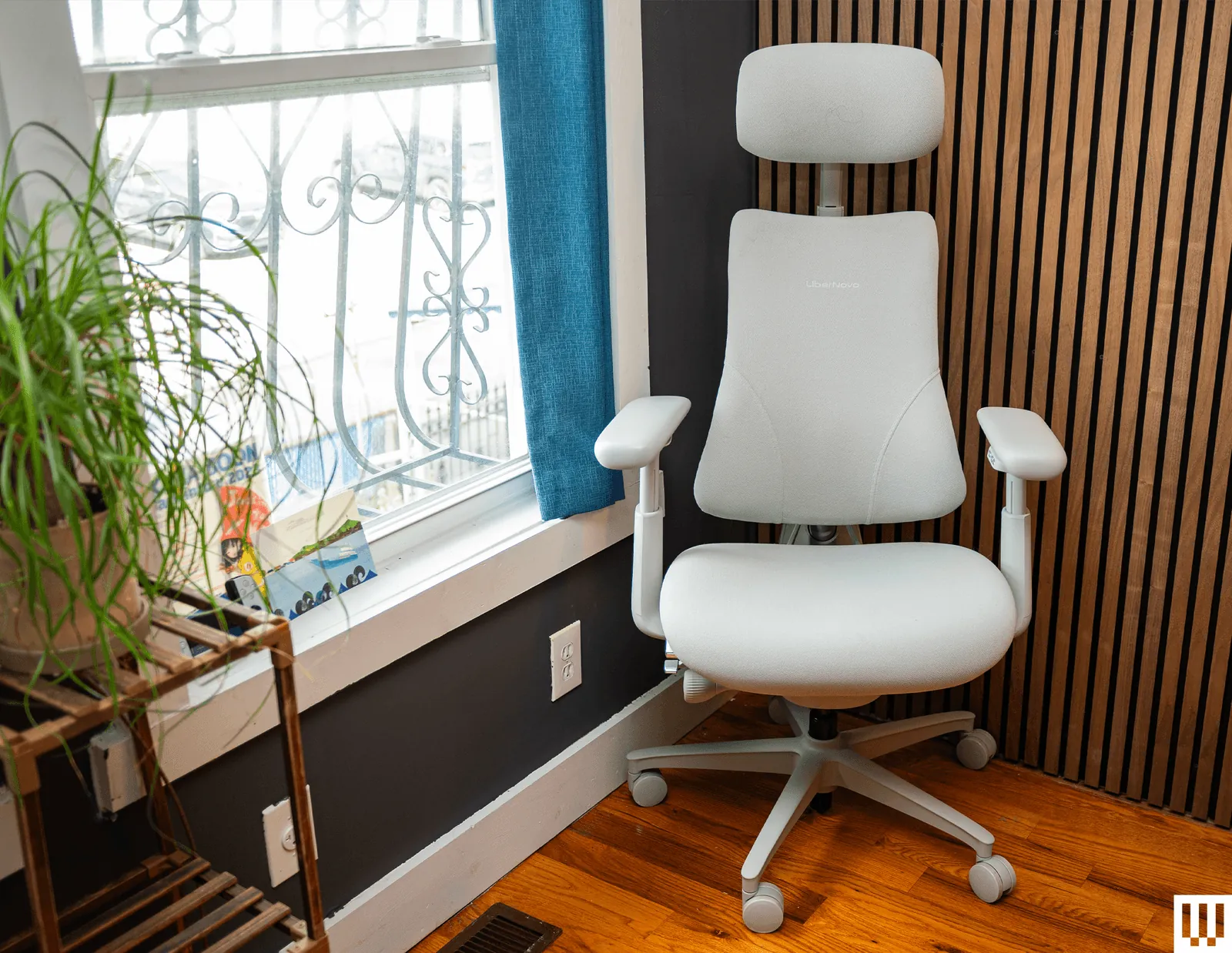
The lower back is the most common site of workplace injury due to slouching. An ergonomic chair must provide a firm, adjustable cushion that fills the gap between your lower spine and the backrest. Adjustable lumbar depth is superior to fixed versions because it accommodates different spinal curvatures. If the chair lacks this, you’ll eventually lean forward, causing your neck and shoulders to compensate for the lack of torso support.
Selecting the Right Material
When deciding between upholstery types, consider your office climate and maintenance preferences. Mesh is excellent for airflow, keeping you cool during long sessions, while high-density foam provides a more traditional, cushioned feel.
- Breathable mesh: Best for warmer environments and long-term durability.
- Fabric upholstery: Offers a softer feel but requires more frequent cleaning.
- Genuine leather: Provides a premium aesthetic but can trap body heat.
- Synthetic leather: Easier to wipe down but lacks the breathability of fabric.
Understanding Seat Depth
Many users fail to check the seat pan length, leading to circulation issues. You should be able to slide two or three fingers between the back of your calves and the seat edge. If the seat is too deep, it will press against the back of your knees, cutting off blood flow. Seat pan depth adjustment is a hallmark of high-quality ergonomic seating, allowing you to slide the seat forward or backward to match your femur length.
Evaluating Armrest Functionality
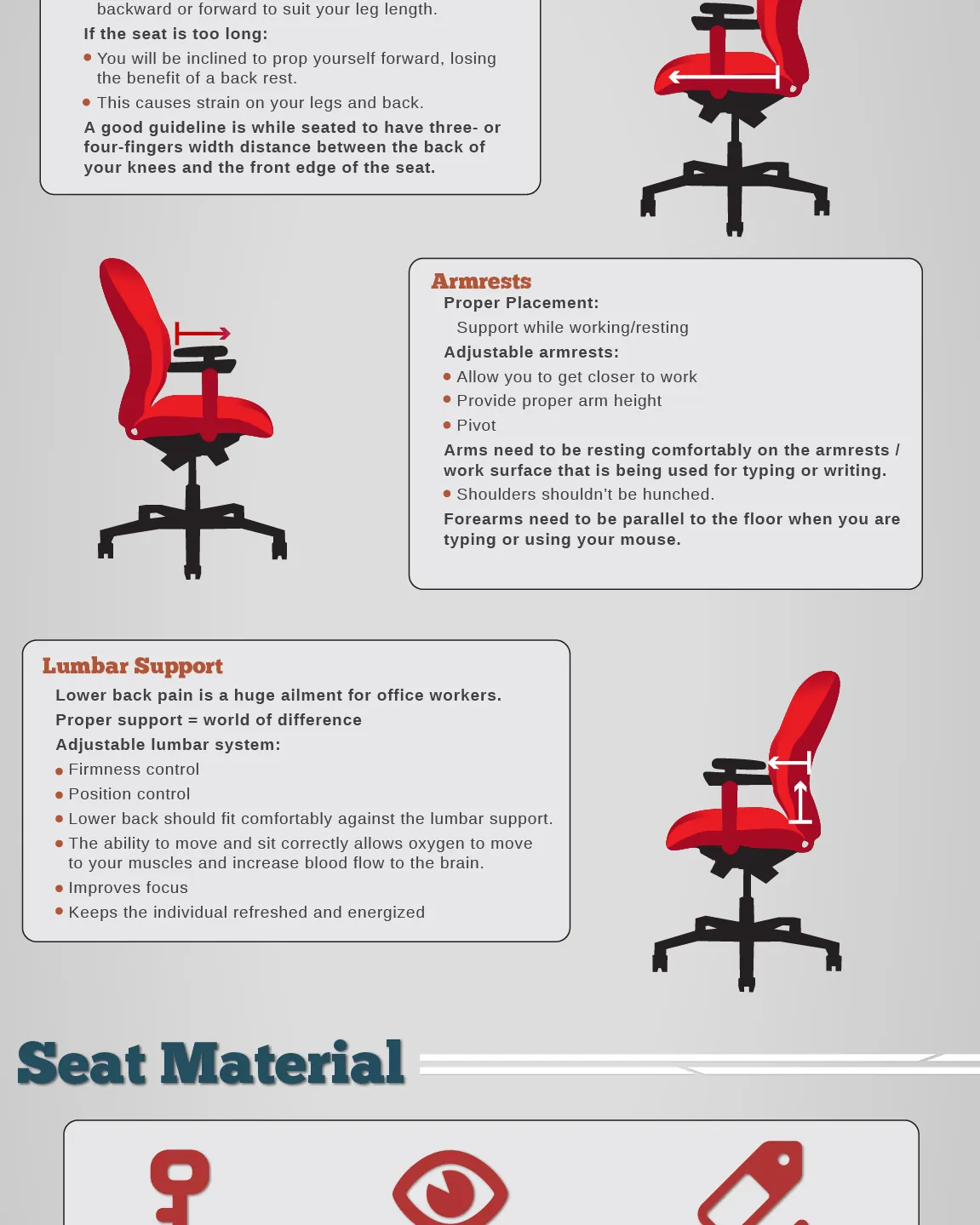
Armrests should do more than just exist; they must be highly adjustable to prevent shoulder shrugging. When your arms are supported, your trapezius muscles can relax. Look for chairs that offer 4D armrests, which move up, down, forward, backward, and pivot inward or outward. This ensures that when you’re typing or using a mouse, your elbows remain at a 90-degree angle close to your body.
Related guides
- My Honest Review: Office Desk Chair – 2026 Guide
- My Honest Review: Office Desk Chair – 2026 Guide
- My Honest Review: Office Desk Chair – 2026 Guide
Frequently Asked Questions
Do I need a headrest?
A headrest is beneficial if you frequently recline while talking on the phone or reading. However, for active typing tasks, it’s often unnecessary and can sometimes encourage poor posture if positioned incorrectly. Only invest in a headrest if you intend to use the chair for intermittent rest periods throughout the day.
How do I measure my seat height?
Sit in the chair with your feet flat on the floor. Your thighs should be horizontal, and your knees should be at approximately the same level as your hips. If your feet dangle, your chair is too high; if your knees are significantly higher than your hips, your chair is too low.
Is mesh better than foam?
Mesh is superior for heat dissipation, making it ideal for hot offices. Foam provides a more structured, consistent support level that some users find more comfortable for all-day sitting. Neither is objectively “better” for ergonomics, provided the chair offers proper pelvic support and adjustable seat depth.
Should I choose a reclining chair?
Yes, but look for a chair with a tension-adjustable tilt mechanism. Being able to change your posture throughout the day is essential for reducing static load on your spine. A chair that stays locked in one rigid position is generally worse for your health than one that allows for gentle, supported movement.
Does price dictate comfort?
Price often correlates with the quality of the adjustment mechanisms and the length of the warranty. While expensive chairs from brands like Herman Miller or Steelcase offer superior longevity, mid-range chairs from brands like Hon or Branch can provide adequate ergonomic support for most standard office users.
Pro Tip: Always verify the weight capacity of a chair before purchasing to ensure the hydraulic cylinder and base structure are rated for your specific body weight.
Warning: Avoid chairs that force you into a single, static position, as the human body is designed to move frequently. The best chair is the one that allows you to shift your weight comfortably while maintaining support.
To finalize your decision, visit a local showroom to test the specific model you’re considering. Even if you plan to buy online to save money, sitting in the chair for at least fifteen minutes will reveal if the lumbar support and seat contour match your body type. Once you confirm the fit, order your chair and adjust the height immediately upon delivery to prevent back strain.