
To ensure you remain comfortable throughout your work day, you should prioritize adjustable lumbar support and seat depth when picking the best office chair. These features align your spine and prevent strain, which is vital for health.
Physical comfort depends on matching the chair to your body proportions. Check if the seat height and armrest width suit your frame before buying.
How to pick the right office chair
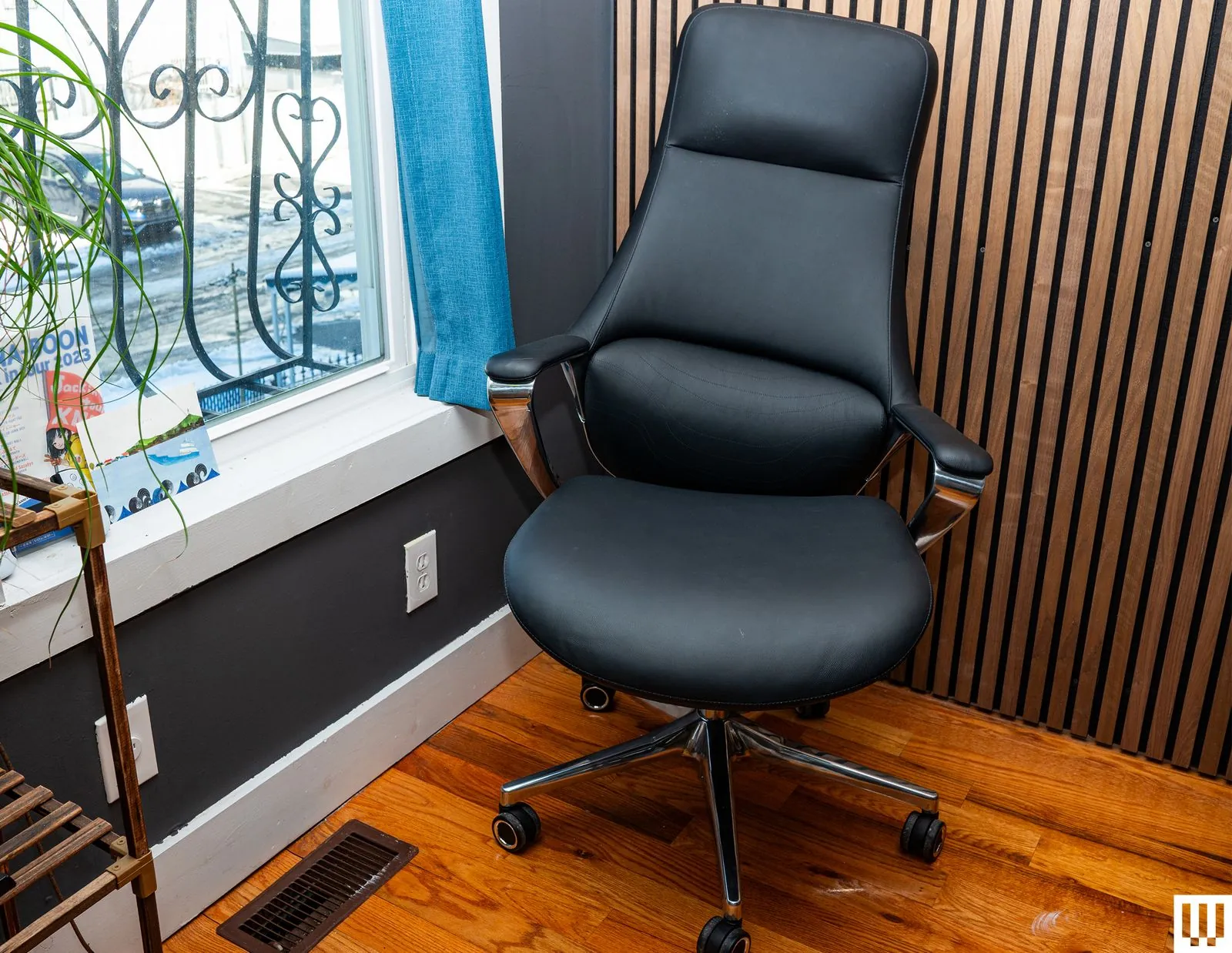
- Measure your desk height and your leg length to determine the necessary range of seat height adjustment. You should be able to sit with your feet flat on the floor and your thighs parallel to the ground.
- Test the lumbar support mechanism by sitting in the chair and ensuring it pushes firmly into the natural curve of your lower back. If the support is fixed and doesn’t match your spine’s curve, it will cause more pain than no support at all.
- Adjust the seat depth by sliding the seat pan until there’s about a two-finger gap between the edge of the seat and the back of your knees. This prevents pressure on your blood vessels and nerves.
- Verify that the armrests are adjustable in height, width, and angle so your shoulders can stay relaxed while you type. If you can’t adjust the width, ensure the armrests don’t force your elbows outward or prevent you from getting close enough to your desk.
- Check the tilt tension and locking mechanism to ensure the chair supports your weight when you lean back. According to the Occupational Safety and Health Administration, a chair that allows for frequent movement and posture changes is better for your musculoskeletal health. Tip: If you’re shorter than 5’4″ or taller than 6’2″, look specifically for “petite” or “tall” models, as standard chairs often lack the necessary range for your height. Tip: Always sit in the chair for at least 15 minutes before purchasing to see if the foam density creates pressure points on your hips.
Time required for proper selection
Finding the right fit depends on your access to showrooms and physical requirements.
| Situation | How long | What changes it | What to watch for |
|---|---|---|---|
| Local showroom visit | 45-60 minutes | Number of models tested | Tiredness affecting judgment |
| Online research | 2-4 hours | Availability of spec sheets | Missing seat depth measurements |
| Custom order process | 2-6 weeks | Shipping and assembly | Final fit once delivered |
If you feel like you have spent hours without finding a match, stop looking at brand names and focus solely on the seat width and weight capacity ratings listed in the technical specifications.
Signs of a perfect fit
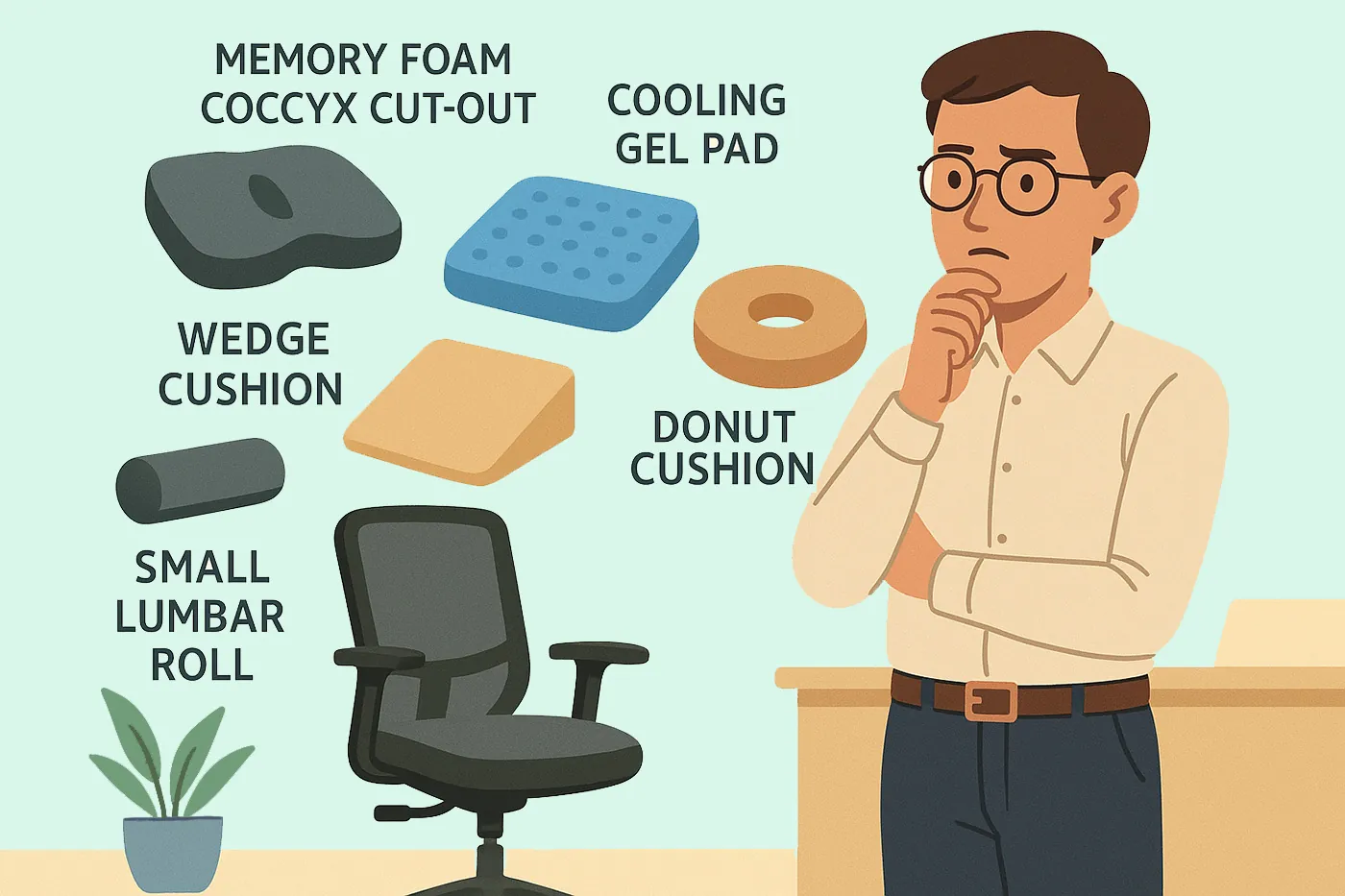
You know a chair fits when your feet rest firmly on the floor and your lower back feels fully supported without you having to slouch. Your knees should be at a 90-degree angle, and your shoulders should hang naturally without the armrests pushing them upward. Numbness in your legs after 30 minutes suggests the seat depth is too deep or the foam is too firm. The ultimate test is a two-hour work session without needing to fidget for comfort.
Common mistakes that ruin comfort
- Ignoring the weight capacity: Choosing a chair that doesn’t match your weight leads to broken cylinders and unstable bases. Always check the manufacturer’s maximum weight limit to ensure the frame is built for your body.
- Overlooking fabric breathability: Selecting heavy leather or non-porous synthetic materials in a warm room causes heat buildup and skin irritation. Opt for mesh or breathable textiles if you sit for more than four hours at a time.
- Neglecting armrest position: Buying a chair with fixed armrests often forces you into an awkward typing posture that causes neck and shoulder pain. Ensure the armrests can be lowered or removed entirely if they interfere with your desk.
- Misjudging seat width: Picking a chair that’s too wide prevents you from using the armrests properly, while one that’s too narrow restricts your movement. Measure your hip width to ensure you have at least an inch of clearance on each side.
Related guides
- My Honest Review: Office Desk Chair – 2026 Guide
- My Honest Review: Office Desk Chair – 2026 Guide
- My Honest Review: Office Desk Chair – 2026 Guide
Frequently Asked Questions
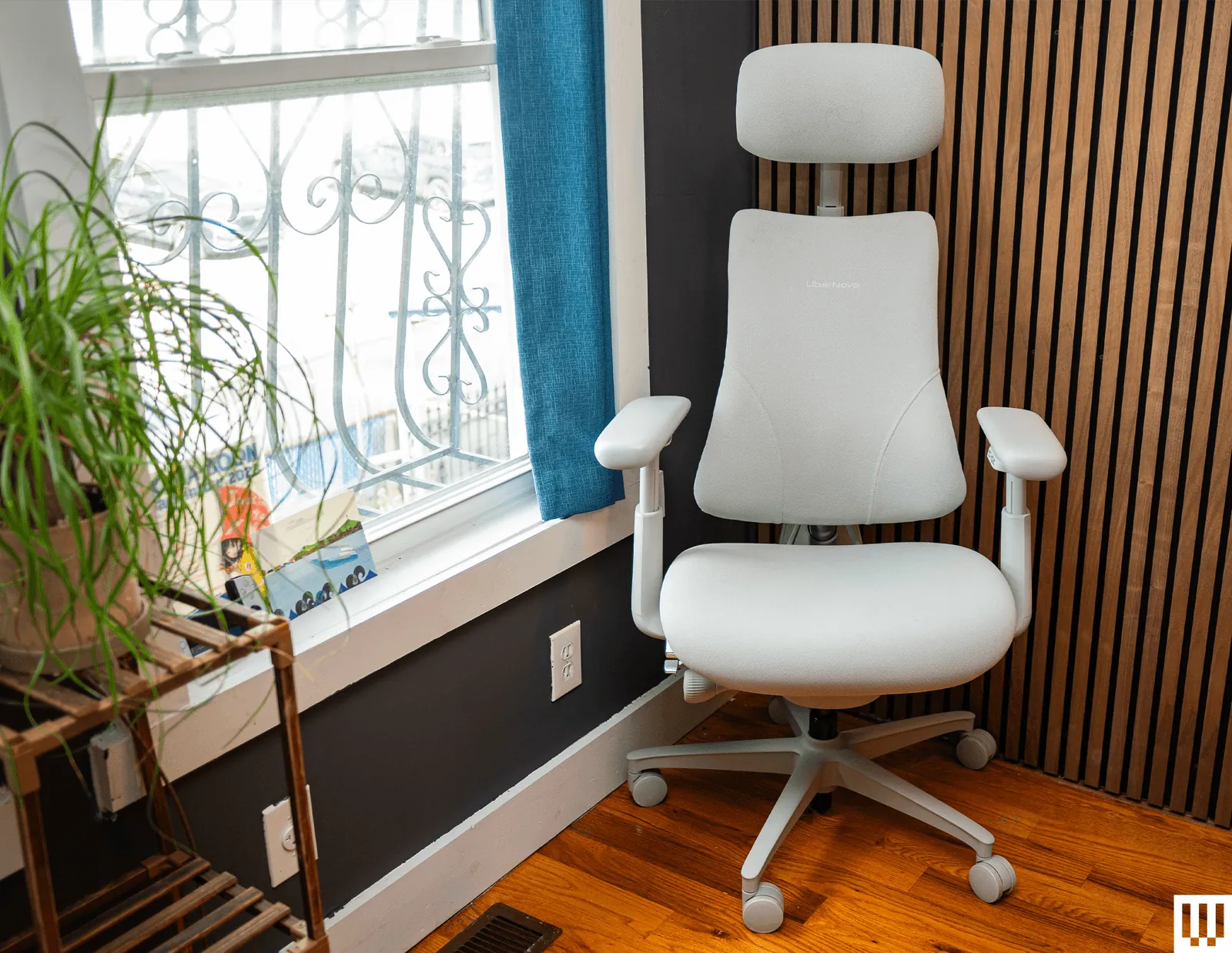
How do I know if a chair is ergonomic?
An ergonomic chair is one that offers at least four points of adjustment: seat height, lumbar depth, armrest height, and tilt tension. If the chair lacks these controls, it can’t be adjusted to fit your specific body, which is the definition of an ergonomic tool.
Can I use a dining chair for work?
No, a dining chair isn’t designed for long-term support and will likely cause back strain within one hour of use. These chairs lack the lumbar curve and adjustable height features needed to keep your spine in a neutral position while you perform computer tasks.
Is it safe to buy a used office chair?
Yes, it’s safe if you inspect the gas cylinder for leaks and the base for cracks before you buy. Always sit in the chair and test the locking mechanism to ensure it doesn’t slip under your weight, as a faulty cylinder can be dangerous.
How much should I spend on a good chair?
Chairs priced below this range often use lower-quality foam that flattens quickly, meaning you’ll need to replace the seat cushion within one or two years of daily use.
Why does my back hurt even in an expensive chair?
Your back hurts because the chair’s settings are likely not adjusted to your specific height and desk setup. Even the most expensive chair will cause pain if the lumbar support is positioned too high or if your feet are dangling because the seat is set too high.
How often should I replace my office chair?
You should replace your chair every 7 to 10 years, or sooner if the internal foam loses its shape. The mechanical parts and fabric usually wear out after this period, and the support the chair provides will no longer be adequate for your spine’s health.
Conclusion
Taking the time to adjust your chair correctly is the most effective way to protect your health while working. Once you have the height and lumbar support dialed in, you’ll notice less fatigue at the end of your day.