
You can choose a good office chair by matching the seat height to your lower legs, ensuring the lumbar support is adjustable, and selecting a seat pan that leaves a two-inch gap behind your knees. This guide covers the measurements and adjustments needed to keep your back comfortable during long workdays.
What ergonomic office seating actually means
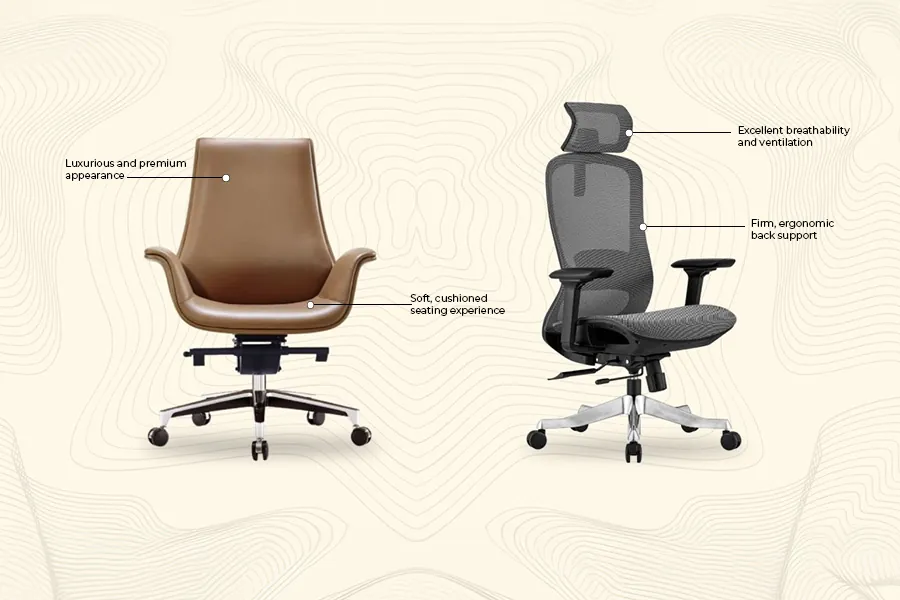
An ergonomic office chair supports your spine’s natural curve while you work at a desk. It’s built for four-plus hours of daily use. Many assume thick foam cushions are the healthiest. Thick padding actually compresses under your body weight, tilts your pelvis backward, and strains your lower back muscles.
Setting up your desk chair correctly
To find the right fit, test the chair systematically from the floor upward using these steps:
- Put on your usual work shoes, sit down, and adjust the seat height until your feet rest flat on the floor with your knees bent at 90 degrees.
- Slide all the way back against the backrest and measure the space between the front edge of the seat and your calves; you need a gap of 2 to 3 inches (about three fingers wide).
- Move the lumbar support up or down until it nests directly into the small curve of your lower back, right above your belt line.
- Set the backrest tilt tension so you can recline slightly to roughly 100 or 110 degrees without straining your stomach muscles or snapping forward.
- Lower or raise the armrests until your elbows rest at 90 degrees while your shoulders stay completely relaxed and unraised.
The single judgement call that separates a good result from a poor one is how you feel after thirty minutes in the seat.
Key chair measurements and settings
Different body types require different adjustments to stay neutral throughout the workday.
| Situation | What to use | How long | What to watch for |
|---|---|---|---|
| Height under 5’4″ | Low-cylinder chair with footrest | All day | Thighs pressing hard against front edge |
| Height over 6’2″ | High-cylinder base with deep seat pan | All day | Knees resting higher than hip joints |
| Back stiffness | Recline lock between 100° and 110° | 4 to 8 hours | Slumping forward toward the screen |
| Soft floor / carpet | Hard nylon casters | Continuous | Chair rolling resistance |
| Hardwood floor | Soft polyurethane casters | Continuous | Floor scratching |
| Warm room climate | Breathable mesh backrest | All day | Sharp plastic frame edges digging into shoulders |
What to look for when choosing a good office chair
Look at adjustment mechanisms before upholstery. The trade-off is between breathability and support: mesh keeps you cool, while foam distributes weight evenly.
Mechanism quality
Check the cylinder and levers underneath the seat. Reliable chairs use multi-lock synchro-tilt mechanisms that keep your feet planted on the floor while you lean back. Cheap models use simple swivel plates that lift your toes off the ground when you recline, cutting off blood flow behind your thighs.
Armrest adjustability
Look for armrests that adjust in three directions: height, depth, and pivot. Fixed arms block you from pulling the chair close to your desk. That gap forces you to lean forward, which ruins your posture no matter how good the backrest is.
Chair problems and quick fixes
Small aches often come from incorrect settings rather than a broken chair.
| What you notice | What it usually means | What to do first |
|---|---|---|
| Numb feet or toes | Seat edge pressing into nerves or blood vessels | Lower chair 1 inch or shorten seat depth |
| Dull lower back ache | Lumbar support sits too low | Raise lumbar pad to your natural belt line |
| Tight neck and shoulders | Armrests set too high | Lower armrests until shoulders drop naturally |
| Sliding forward on seat | Seat pan tilted slightly downward | Level the seat cushion angle |
Industry safety and quality standards
Commercial standards protect your safety. In the United States, commercial-grade office seating follows guidelines published by the Business and Institutional Furniture Manufacturers Association under the ANSI/BIFMA X5.1 standard. This tests chairs for strength, durability, and wear.
Long-term care for desk seating
Clean the wheels every six months. Hair and dust wrap around axles, causing drag. Remove debris with pliers.
Wipe mesh and vacuum foam seats monthly. If the chair squeaks, tighten the hex bolts holding the mechanism to the seat pan.
When to use a different approach
Standard ergonomic chairs are the wrong choice if you deal with severe tailbone pain or coccydynia. In that situation, a dedicated pressure-relief coccyx cushion or a specialized medical seat works much better.
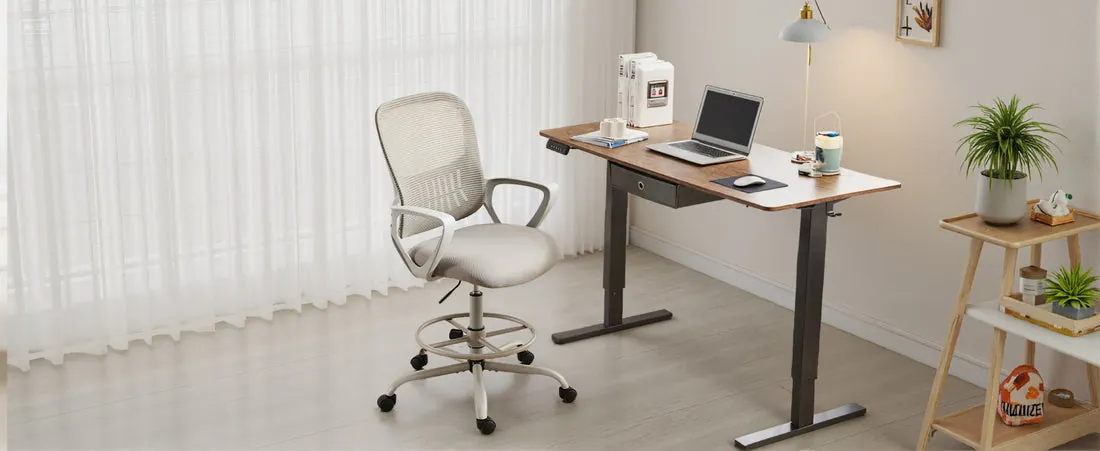
This guide isn’t for active industrial assembly workers who stand and perch constantly. For bench work, switch to an ergonomic sit-stand stool or drafting chair instead.
Frequently asked questions
Can a bad office chair cause hip pain?
Yes. A seat pan that’s too narrow, too hard, or tilted wrong puts excess pressure on your hip joints and compresses your sciatic nerve during long work sessions.
How long does a quality office chair last?
Seven to ten years for a commercial-grade chair used 40 hours a week, assuming it carries a BIFMA rating and uses high-density cold-cured foam.
Is a mesh chair better than leather?
Yes, for warm spaces because mesh lets air circulate around your back. Leather traps body heat, though high-end leather chairs offer durable padding that lasts longer without sagging.
What happens if your chair has no lumbar support?
Your spine flattens into a C-shape, which strains lower back ligaments and overworks your neck muscles as your head drifts forward toward your computer monitor.
How much weight can an average office chair hold?
275 pounds is the standard limit for most office chairs tested under BIFMA guidelines, though heavy-duty bariatric models support between 400 and 500 pounds safely.
Is a headrest necessary for working at a desk?
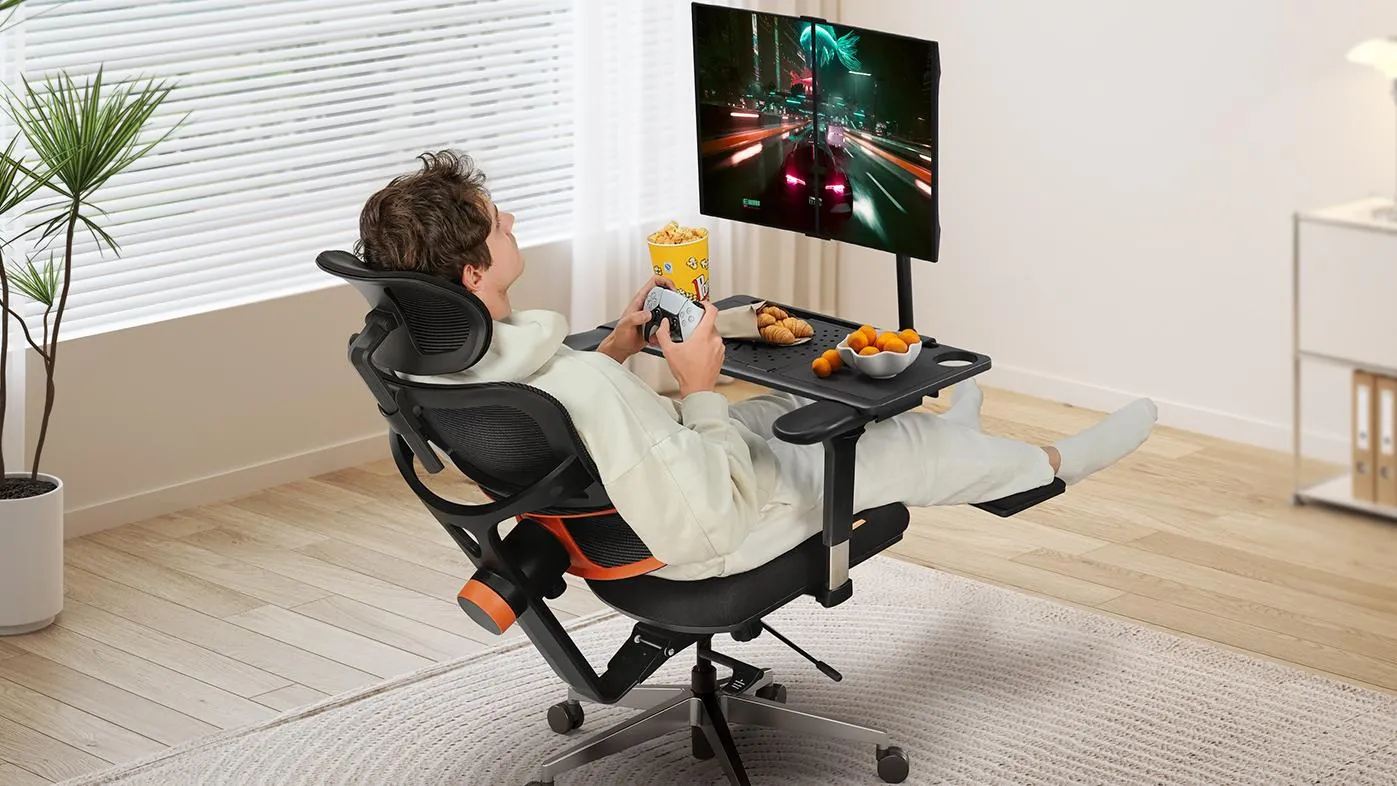
No. Headrests only support your neck when you lean back to read or watch videos; they don’t provide benefit while you sit upright typing.
Why does my office chair sink down slowly?
Your hydraulic gas lift has worn-out internal seals that allow nitrogen gas to leak past the piston. Because these components are permanently sealed, the only reliable solution is to purchase a replacement cylinder for your chair.
Conclusion
Investing in your comfort is a smart move for your long-term health. Don’t settle for the first option you see online; visit a local store to sit in a few models before you decide. Once you’ve picked the right fit, you’ll find that your focus improves and your workday feels much better.
Related guides